WordPress Templates, Themes & Starter Kits
WordPress plugins extend WordPress with functionality that is not supplied by the theme alone. WordPress's official Plugin Handbook covers plugins as software that interacts with WordPress through hooks and APIs, while themes primarily control presentation. Buyers should verify compatibility, security, dependencies, updates, and data handling for every plugin individually.


Best Downloads
Discover the most in-demand top-downloaded items trusted by top businesses.
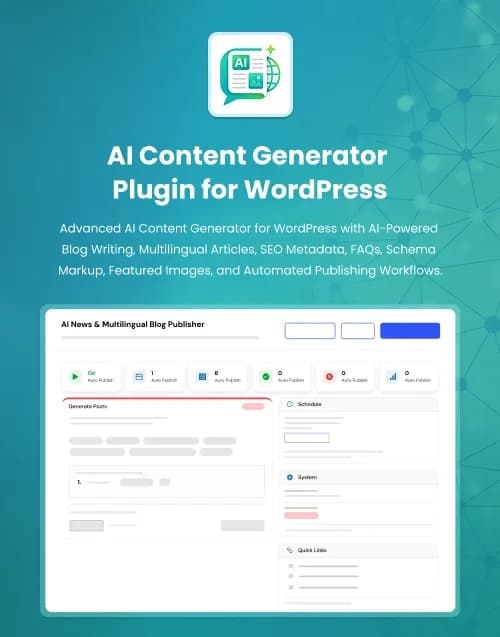


by WebbyCrown Solutions
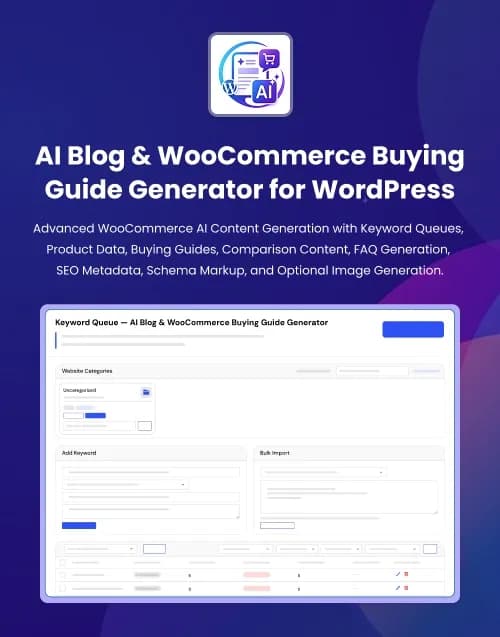
by WebbyCrown Solutions
Newly Added
Discover the most in-demand top-downloaded items trusted by top businesses.
Top Rated
Skyrocket your creativity with our Top rated collection of supreme.
What Are WordPress Plugins?
WordPress plugins are software packages that extend or modify WordPress behaviour. Plugins can interact with WordPress through actions, filters, APIs, admin interfaces, scheduled tasks, database operations, REST APIs, and other platform mechanisms. WordPress's developer documentation specifically identifies hooks as a foundation for how plugins interact with WordPress Core.
A plugin is not the same as a WordPress theme. A theme should primarily control presentation, while site functionality that needs to survive a design change is better placed in plugin functionality.
What You Can Find in WordPress Plugins
- Content publishing plugins
- AI automation plugins
- Form plugins
- Administration plugins
- Security-related plugins
- Marketing plugins
- Media plugins
- Workflow plugins
- API and integration plugins
- Content-management extensions
Who Should Use WordPress Plugins?
- WordPress site owners
- Developers
- Digital agencies
- Bloggers
- Publishers
- Marketing teams
- Small businesses
- SaaS businesses using WordPress
- Client-service agencies
How to Choose the Right WordPress Plugin
Start with a clearly defined requirement. Every additional plugin introduces code, settings, dependencies, and potential interaction with WordPress Core, your theme, hosting, and other plugins.
Check the supported WordPress and PHP versions stated on the product page. Compatibility should be tested on staging before introducing a plugin to a production site.
Next, verify what the plugin actually does. Do not treat screenshots as proof of functionality beyond what the listing documents.
For example, WebbyTemplate's current AI News Multilingual Blog Publisher is explicitly positioned as a WordPress AI article-generation and publishing plugin. Its current listing states that it generates content from keywords or topics using AI providers and explicitly says it does not import real news from RSS feeds, Google News, external news sites, XML feeds, or JSON APIs.
That type of limitation should be clearly understood before purchase.
Review dependencies. Some plugins require:
- External APIs
- API keys
- WooCommerce
- Another WordPress plugin
- Cron
- Specific PHP extensions
- Third-party accounts
- Paid external services
A plugin price does not necessarily include the cost of every connected service.
Security and privacy matter as well. Plugins can handle form data, customer information, API credentials, uploaded files, or database records. WordPress's official Plugin Handbook includes dedicated guidance around plugin security and privacy, making these valid evaluation criteria.
Check how much data remains after deactivation or uninstall. For business-critical plugins, understand whether removing the plugin deletes settings, custom database tables, generated content, or user data.
Updates deserve close attention. Review changelogs, last-updated information, compatibility declarations, and how the developer handles major WordPress changes.
Also assess conflicts. Two plugins that both modify the same editor, checkout flow, SEO metadata, caching layer, authentication process, or database workflow may interact unexpectedly.
Avoid choosing solely by feature count. A focused plugin that solves one operational problem cleanly can be preferable to a large plugin introducing unnecessary functionality.
Finally, check documentation, onboarding, admin usability, error handling, backup requirements, license scope, renewal terms, seller support, and whether a staging site can be used for testing under the selected license.
Popular Use Cases for WordPress Plugins
- Automating content workflows
- Adding specialized admin features
- Connecting third-party APIs
- Extending WordPress publishing
- Adding forms and lead workflows
- Improving content-management processes
- Building specialized client functionality
WordPress Plugin Quality Notes
- Verify WordPress compatibility.
- Check PHP requirements.
- Review third-party dependencies.
- Plugin screenshots do not prove every workflow.
- Test on staging before production.
- Review security and data handling.
- Check update history.
- Avoid unnecessary plugin overlap.
- Verify licensing terms.
- Review documentation and support.
Related Category Ideas
- WooCommerce
- JavaScript
- WordPress Themes
- Elementor
- Blog / Magazine
- Marketing
Frequently Asked Questions
What is a WordPress plugin?
Is a WordPress plugin the same as a theme?
Can plugins conflict with each other?
Should I check WordPress version compatibility?
Can plugins require external APIs?
Are plugin updates important?
Can a plugin store user data?
Should I install many plugins?
Can agencies use WordPress plugins for client websites?
What should I verify before purchasing?
Subscribe Now for Insider Access
Get product updates, new releases, curated picks, and useful marketplace insights delivered to your inbox.