Milli – Magazine, News & Blog HTML Template

28 Sales
License Options
View License Policy1 site / project / end product
up to 5 sites / projects / end products
up to 30 sites / projects / end products
Add-on Services
$35.00
$49.00


Created : 19 August 2025
Updated : 14 July 2026
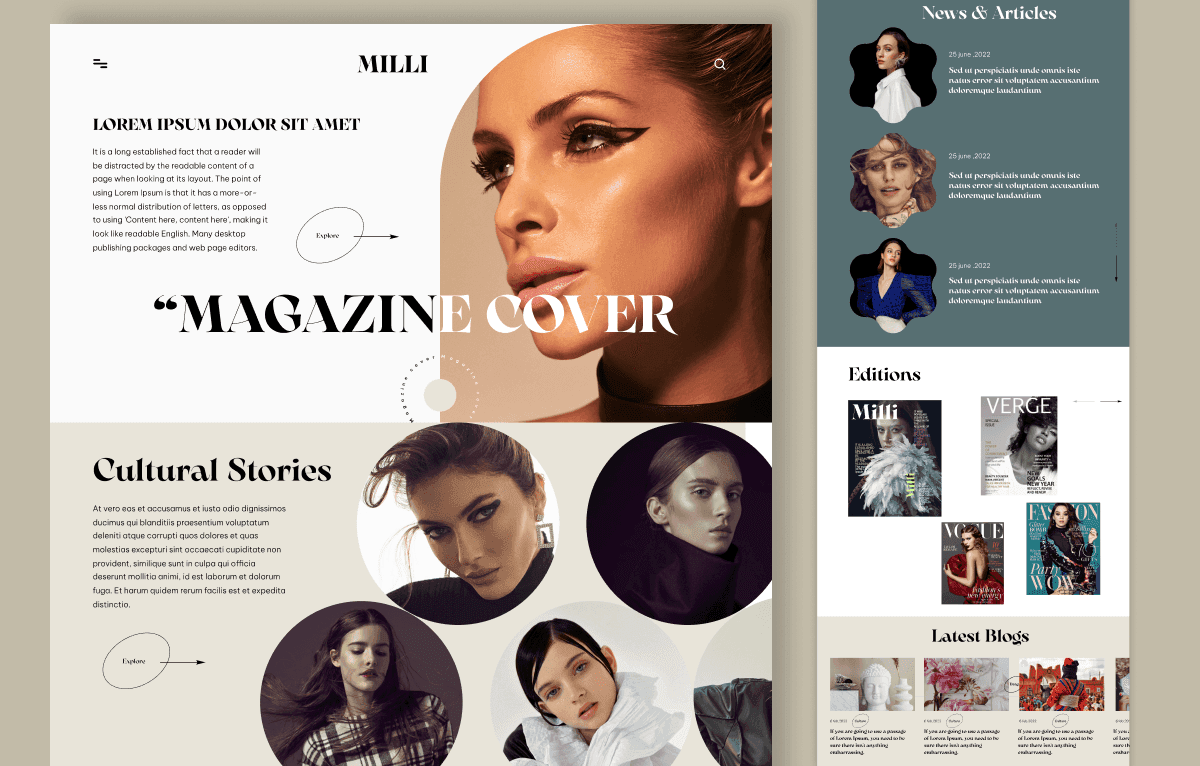
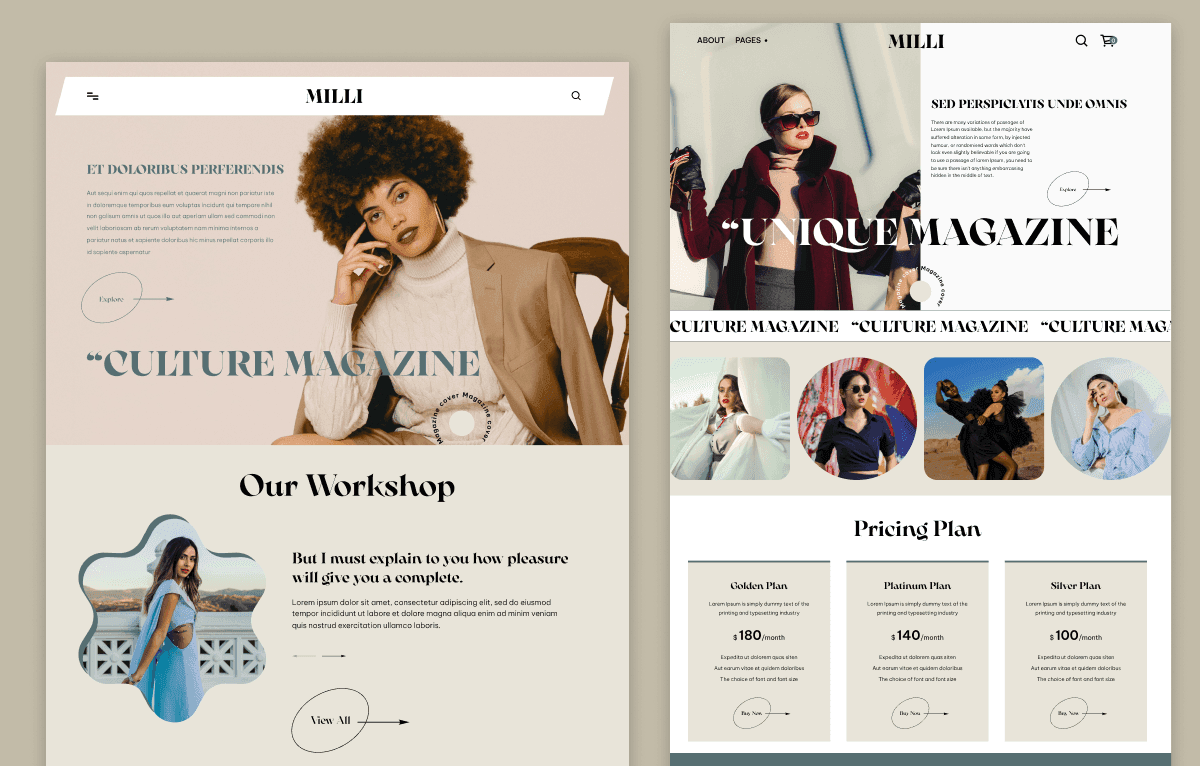
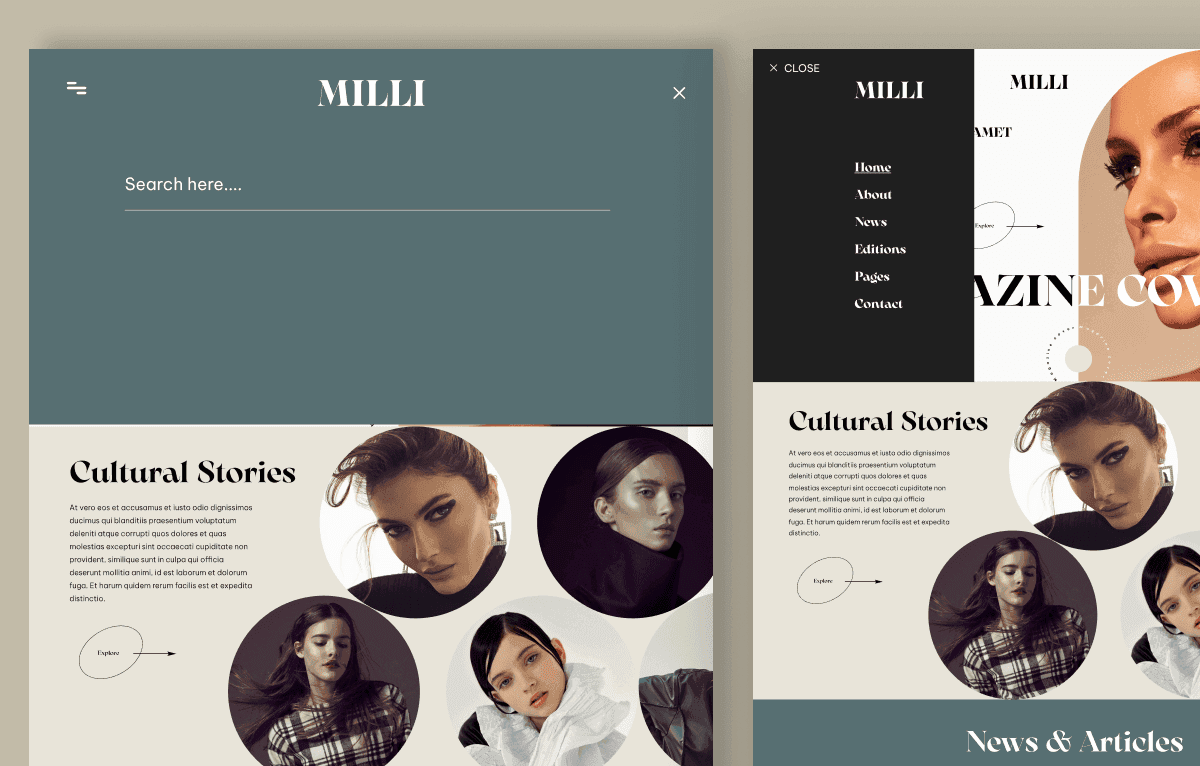
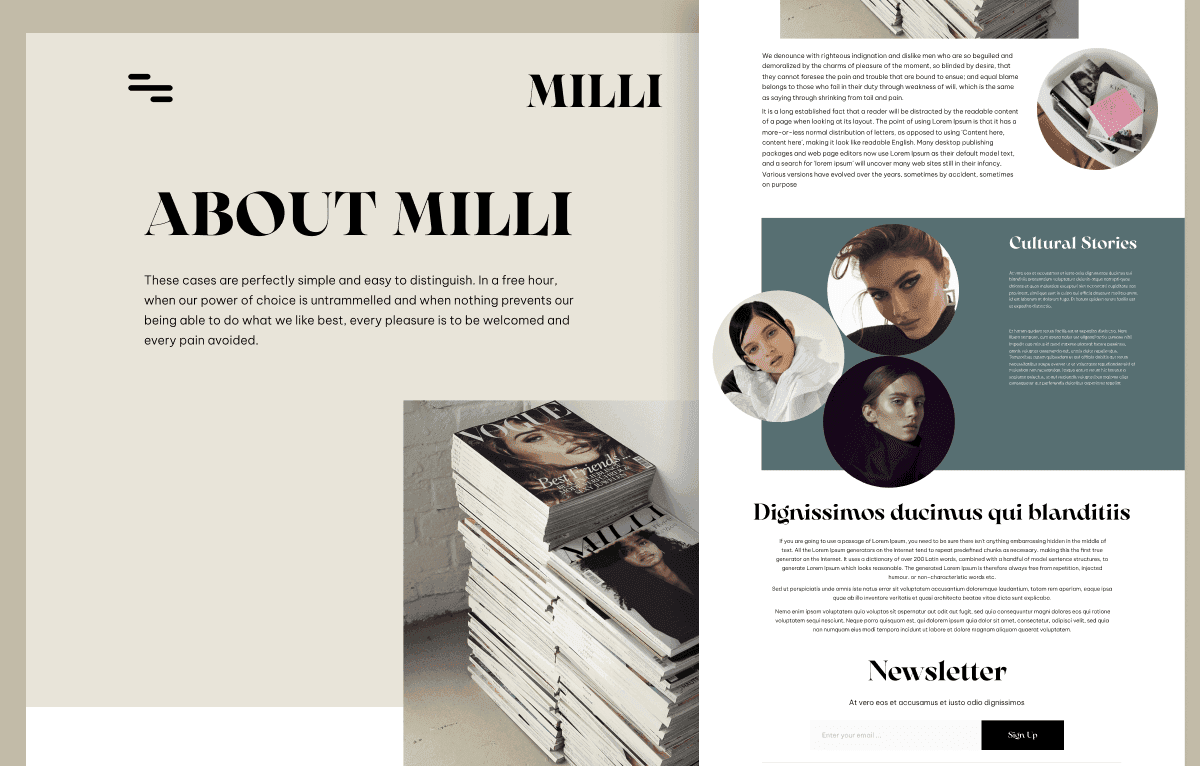
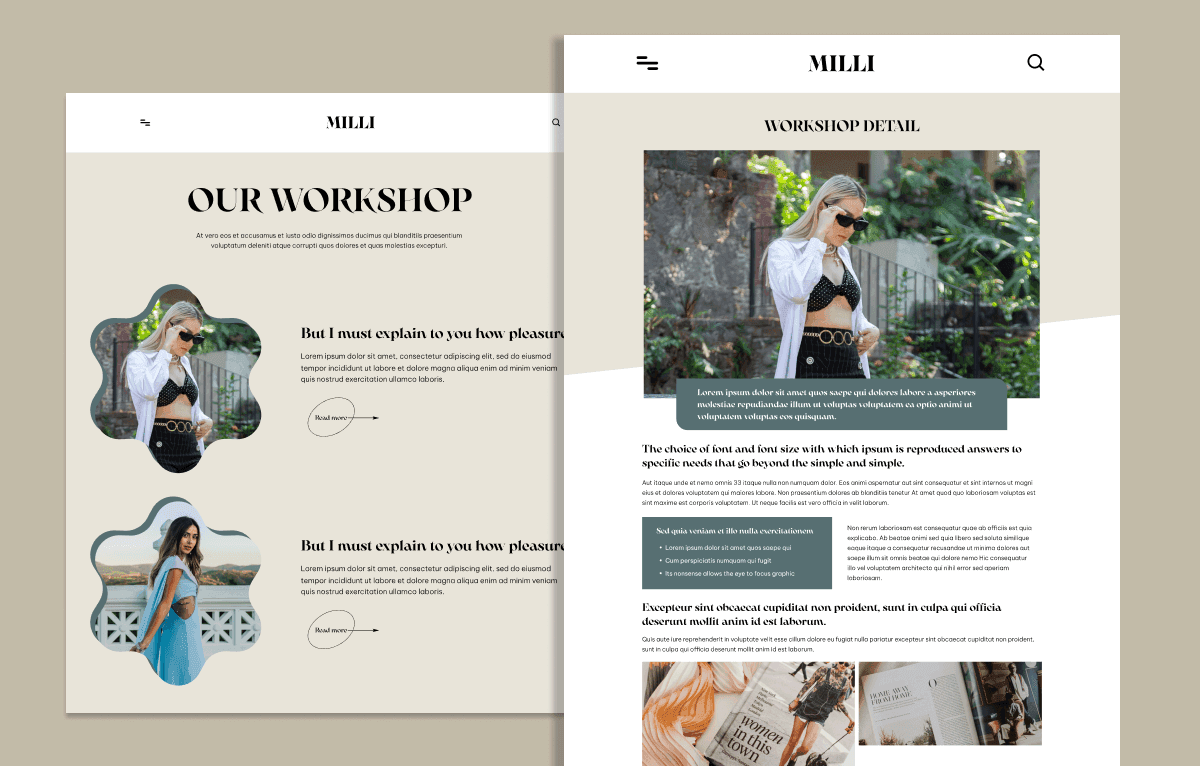
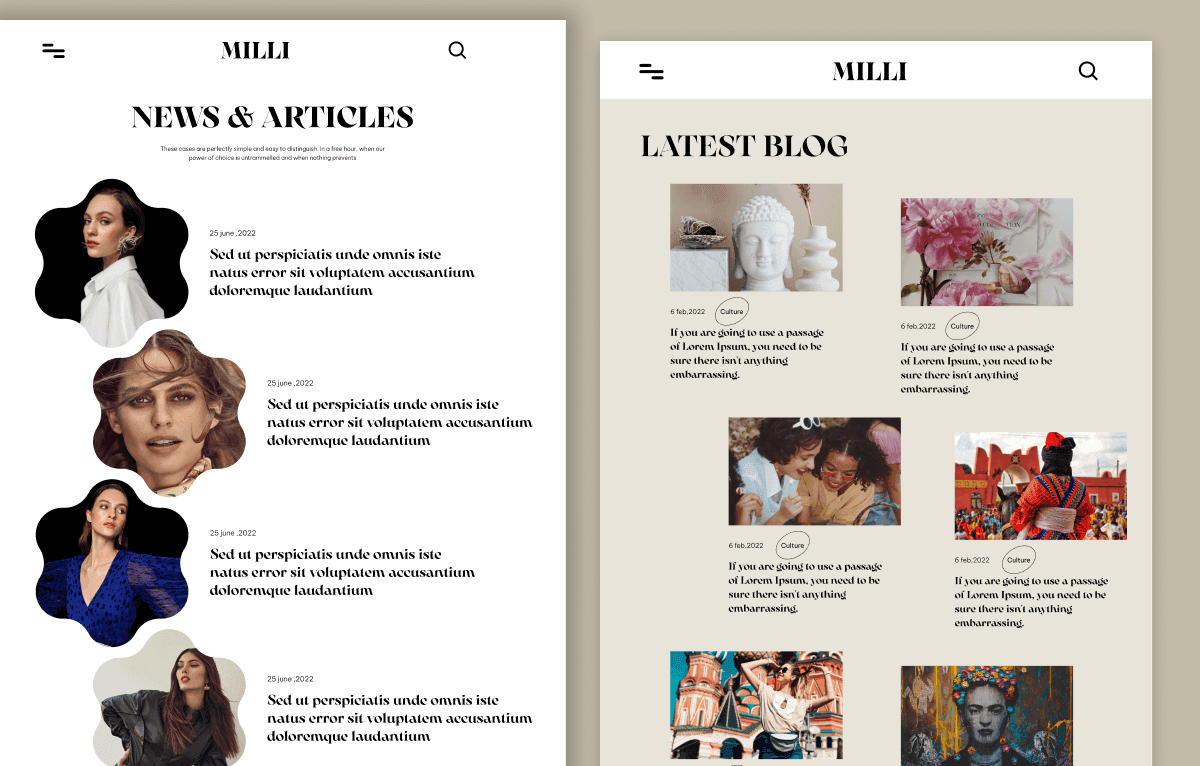
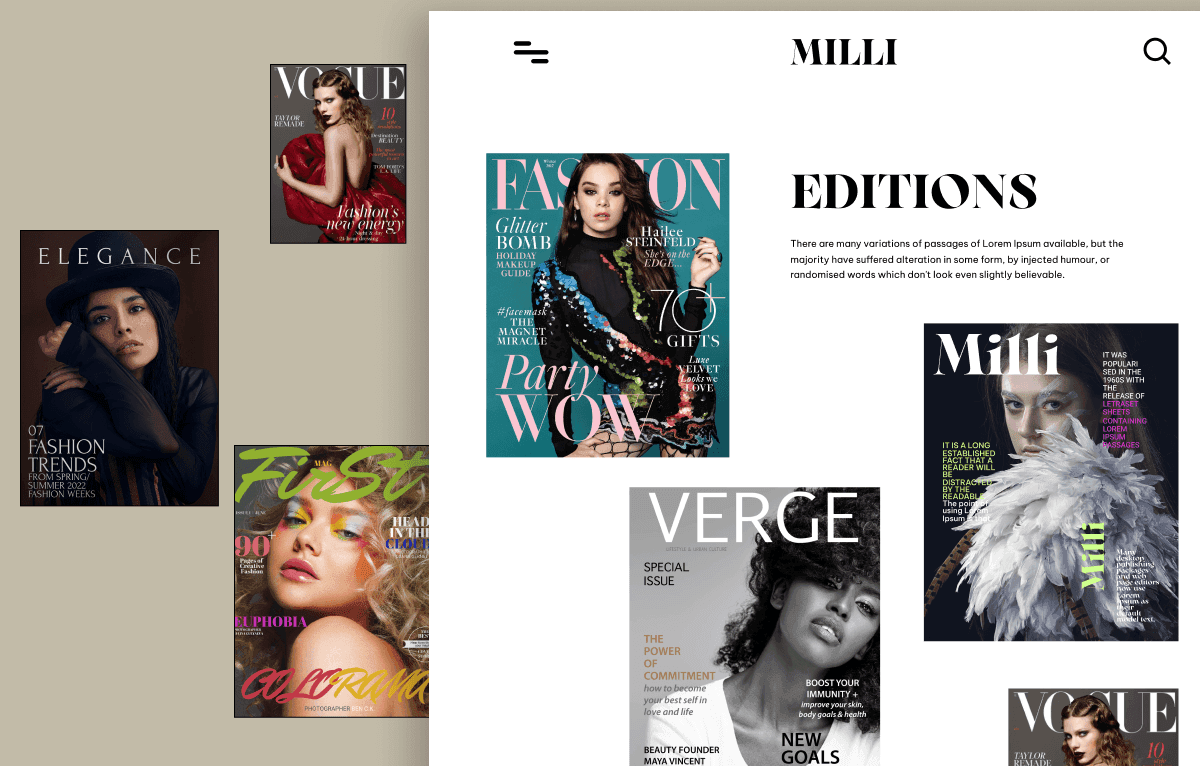
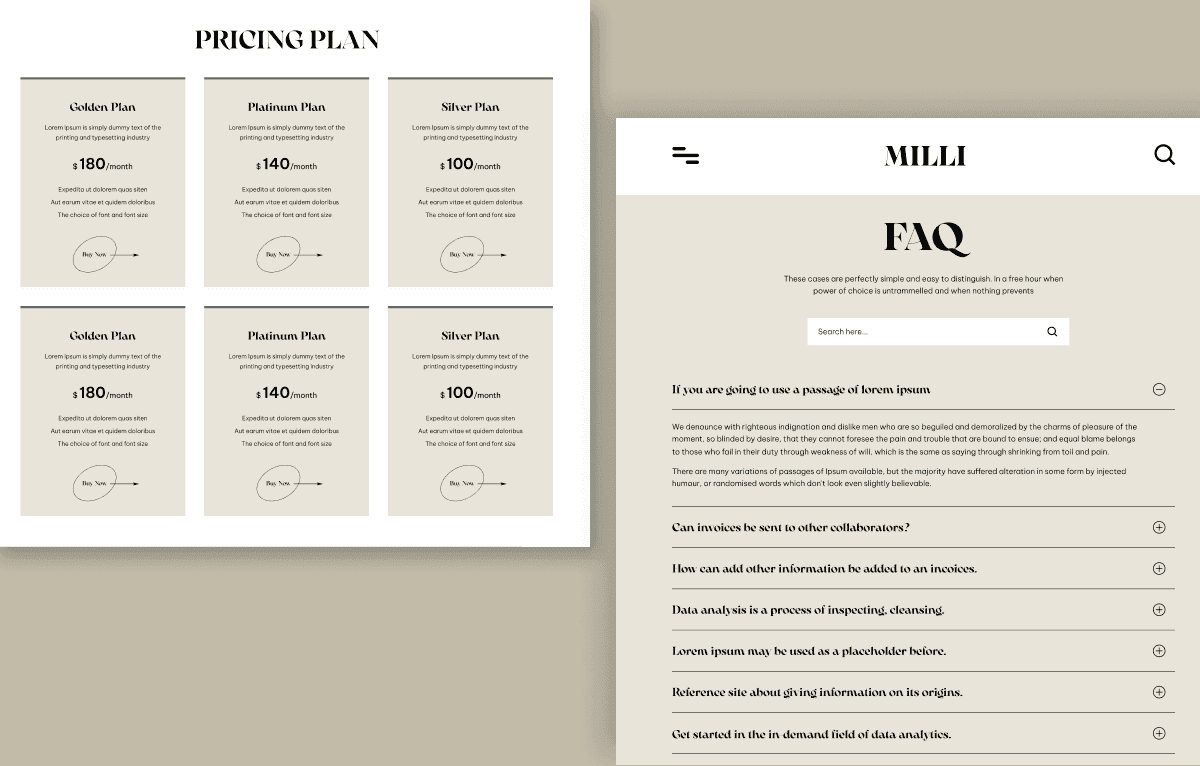
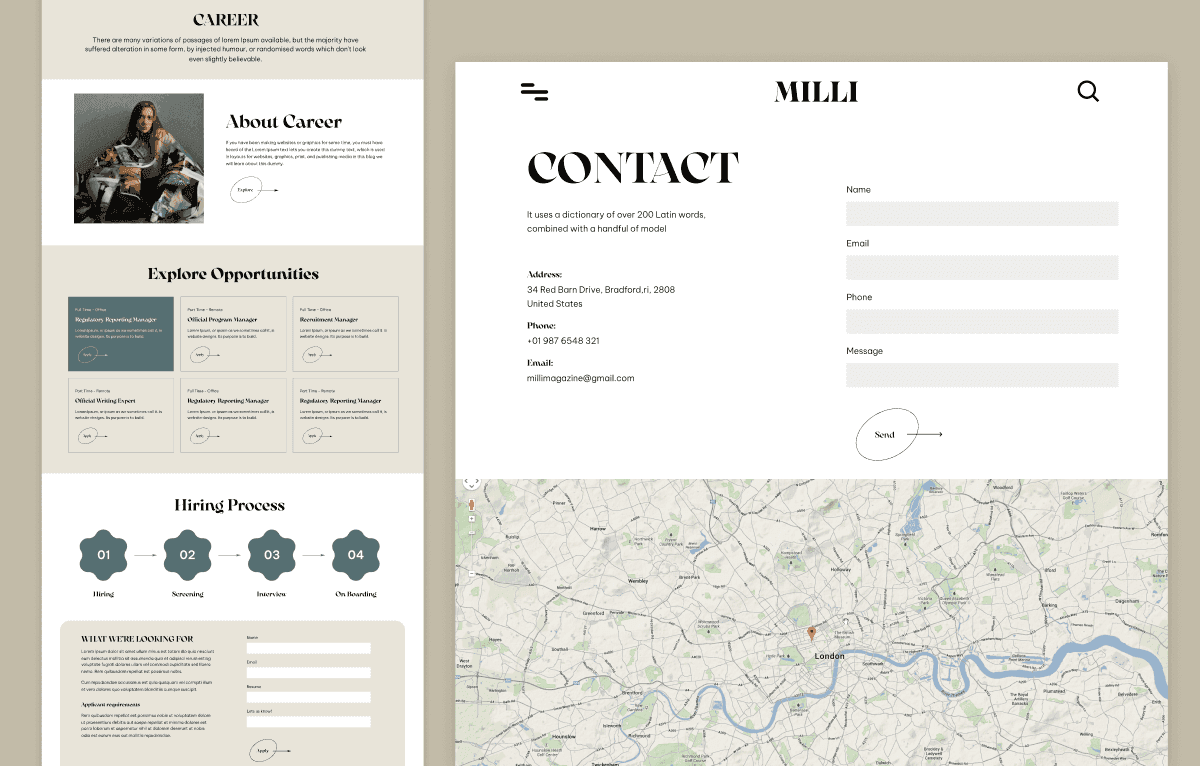
Milli is a 19-page Magazine HTML Template built for online magazines, news portals, digital publishers, bloggers, journalists, media agencies, and editorial websites. It includes homepage layouts, news and article pages, blog grids, editions, workshops, FAQs, pricing, career, contact, and content presentation pages. Built with HTML5, CSS3, Bootstrap 5, JavaScript, jQuery, Swiper.js, Font Awesome, and Google Fonts, it is available with Personal, Commercial, and Agency licenses.
What Is Milli?
Online magazines, news portals, bloggers, and publishers need a website that makes headlines, articles, categories, featured stories, visual content, and newsletter signups easy to explore. Creating readable editorial layouts, content grids, news detail pages, gallery sections, advertising spaces, and responsive article experiences from scratch can slow down a digital publishing project.
Milli is a Magazine HTML Template that gives media businesses a ready Bootstrap 5 website foundation. With 19 HTML pages for news, blogs, content listings, editions, workshops, pricing, FAQs, and company information, it helps developers and agencies customize branding, connect a CMS, publish content, and deploy a professional editorial website faster.
Who Is This Template For?
- Online magazines building digital publishing HTML website projects
- News portals creating a modern editorial website
- Bloggers publishing content-heavy personal or professional blogs
- Journalists presenting articles, reports, news stories, and media coverage
- Freelancers handling magazine, news, or blog website client work
- Agencies building editorial and media websites for clients
- Digital publishers creating a reader-friendly publication platform
- Media agencies promoting articles, categories, authors, and content campaigns
- Entertainment news websites publishing updates, interviews, and features
- Lifestyle blogs and technology news platforms sharing regular editorial content
- Developers needing a Bootstrap 5-ready magazine HTML file
This template is not suitable for users who need a CMS, article management system, user accounts, commenting system, live subscriptions, advertising network integration, or dynamic backend. Culture is an HTML template only.
What Is Included?
Website Pages
- HTML Pages
- 404 Error
- About
- All Layout Presentation
- Career
- Contact
- Culture Blog Listing
- Culture Detail
- Culture Grid
- Editions
- FAQ
- Home
- Latest Blog
- Milli Two
- Milli Three
- News
- News Detail
- Pricing Plan
- Workshop
- Workshop Detail
Files and Assets
- HTML source files
- CSS files
- JavaScript files
- Bootstrap 5 files
- jQuery files
- Swiper.js assets
- Font Awesome icons
- Google Fonts integration
- News and editorial images
- Magazine demo content
- Blog images
- Reusable UI components
How to Use Culture
Step 1: Purchase and Download
Choose the Personal, Commercial, or Agency license that matches your publishing website project and download the Culture package.
Result: You receive the HTML template files, Bootstrap assets, JavaScript files, images, and demo content.
Step 2: Extract the Template Files
Extract the ZIP package into your local project folder or development environment.
Result: Your HTML pages, stylesheets, scripts, images, and supporting assets are ready to access.
Step 3: Open the Project in a Code Editor
Open Culture in Visual Studio Code, Sublime Text, or another preferred code editor.
Result: You can edit the homepage, news, blog, article, workshop, FAQ, pricing, and contact page files.
Step 4: Customize Publishing Branding and Content
Replace demo logos, colours, typography, headlines, articles, categories, images, author details, editorial content, and contact information.
Result: The template begins to match your magazine, news portal, publishing business, or client brand.
Step 5: Connect Content and Newsletter Workflows
Connect newsletter UI, forms, articles, category data, video embeds, advertising areas, and other content workflows to your preferred CMS, email provider, backend, CRM, or API.
Result: Readers can access connected content and subscribe through your integrated publishing workflows.
Step 6: Test and Deploy
Test the website on desktop, tablet, and mobile devices, then upload the completed files to your hosting environment.
Result: Your magazine, news portal, or editorial website is ready to launch.
Template Features:
Fully Responsive Design
Bootstrap Framework
News and Magazine Layouts
Featured News Slider
Trending Articles Section