KiaWeds — Wedding Planner Website HTML Template

License Options
View License Policy1 site / project / end product
up to 5 sites / projects / end products
up to 30 sites / projects / end products
Add-on Services
$40.00
$55.00


Created : 19 August 2025
Updated : 01 September 2026
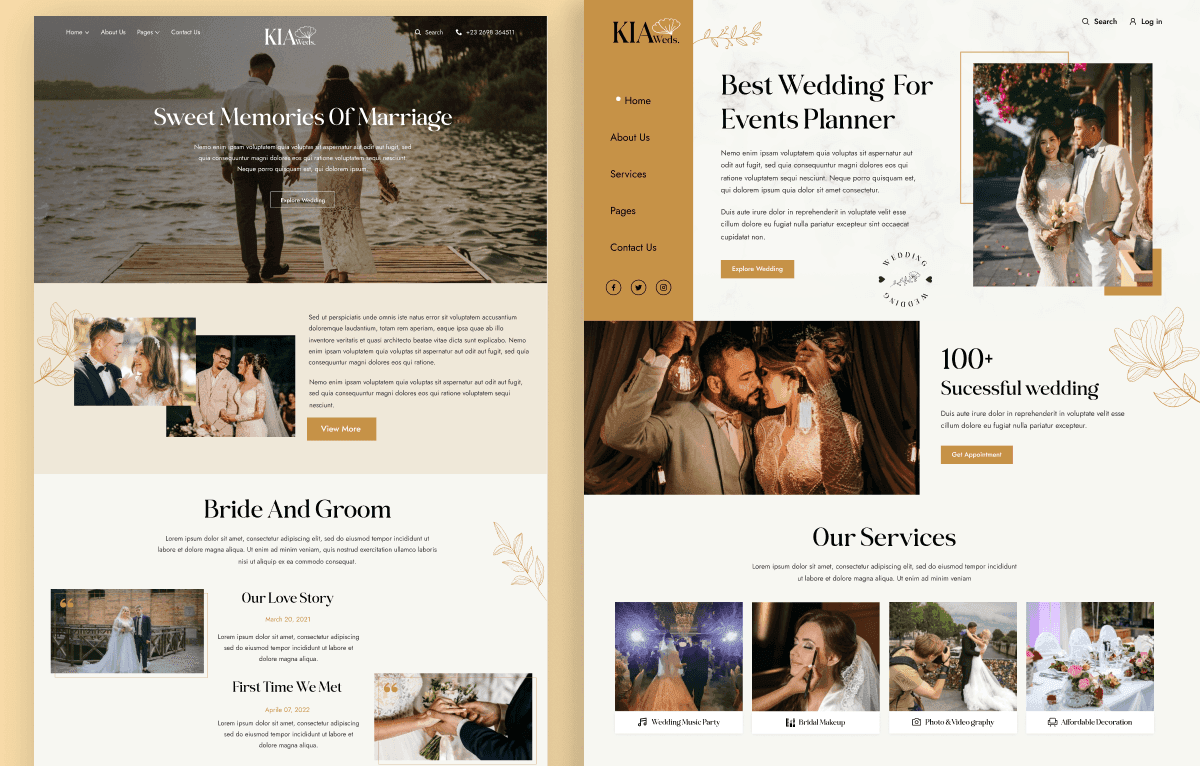
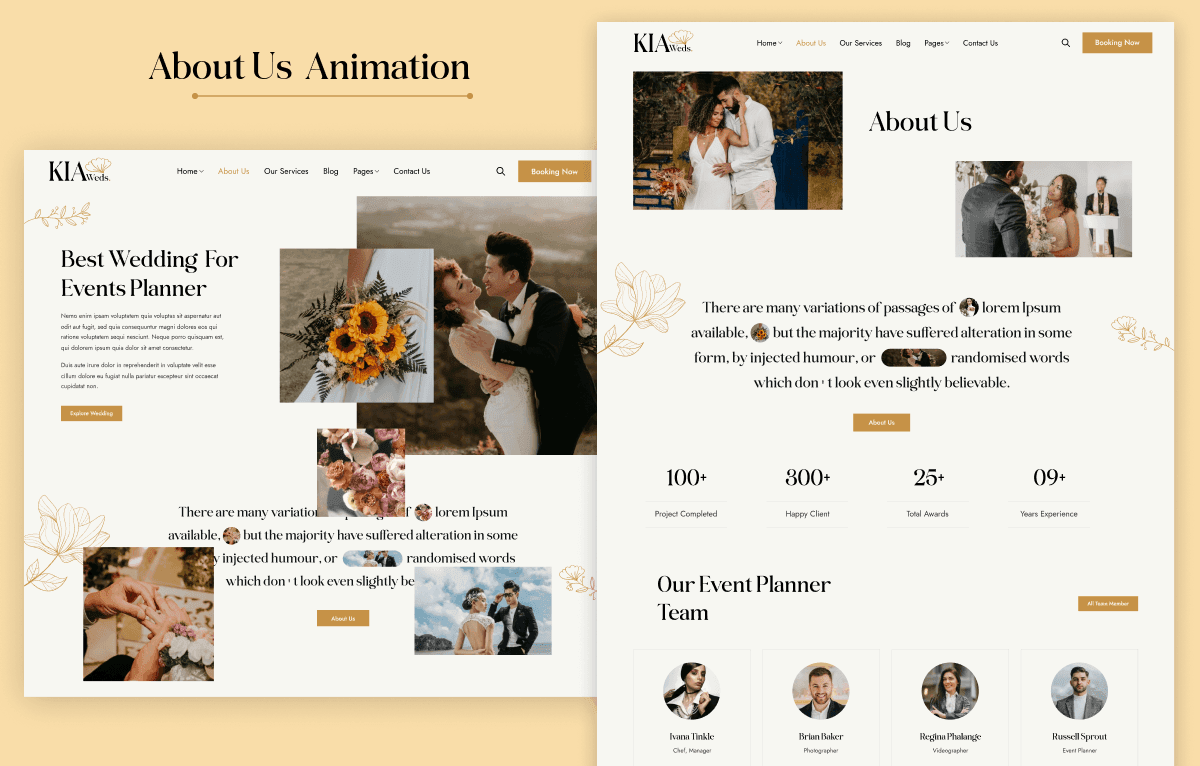
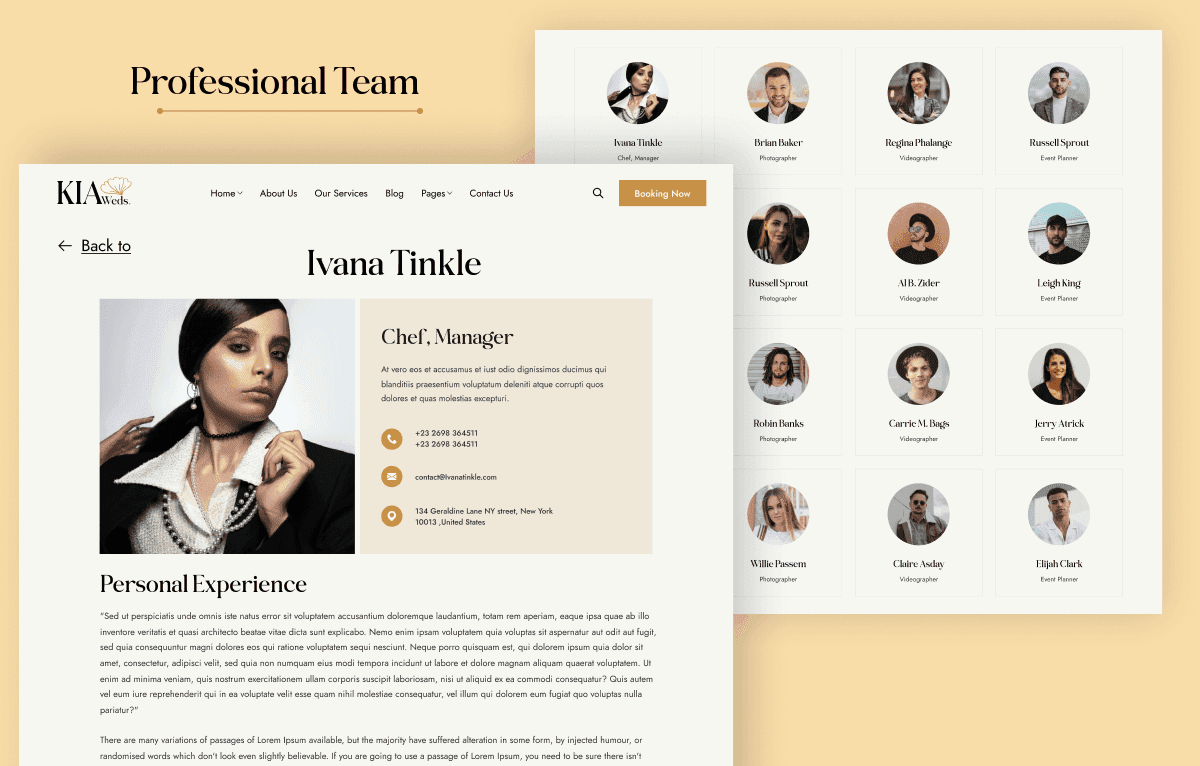
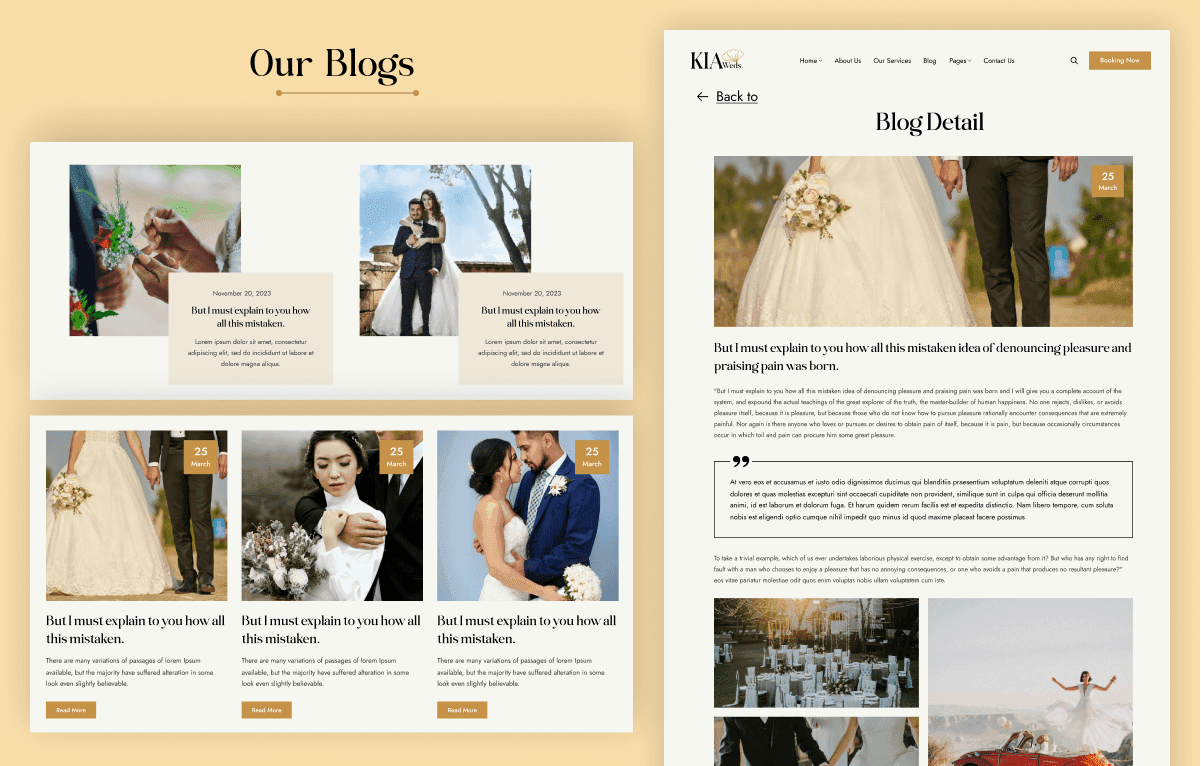
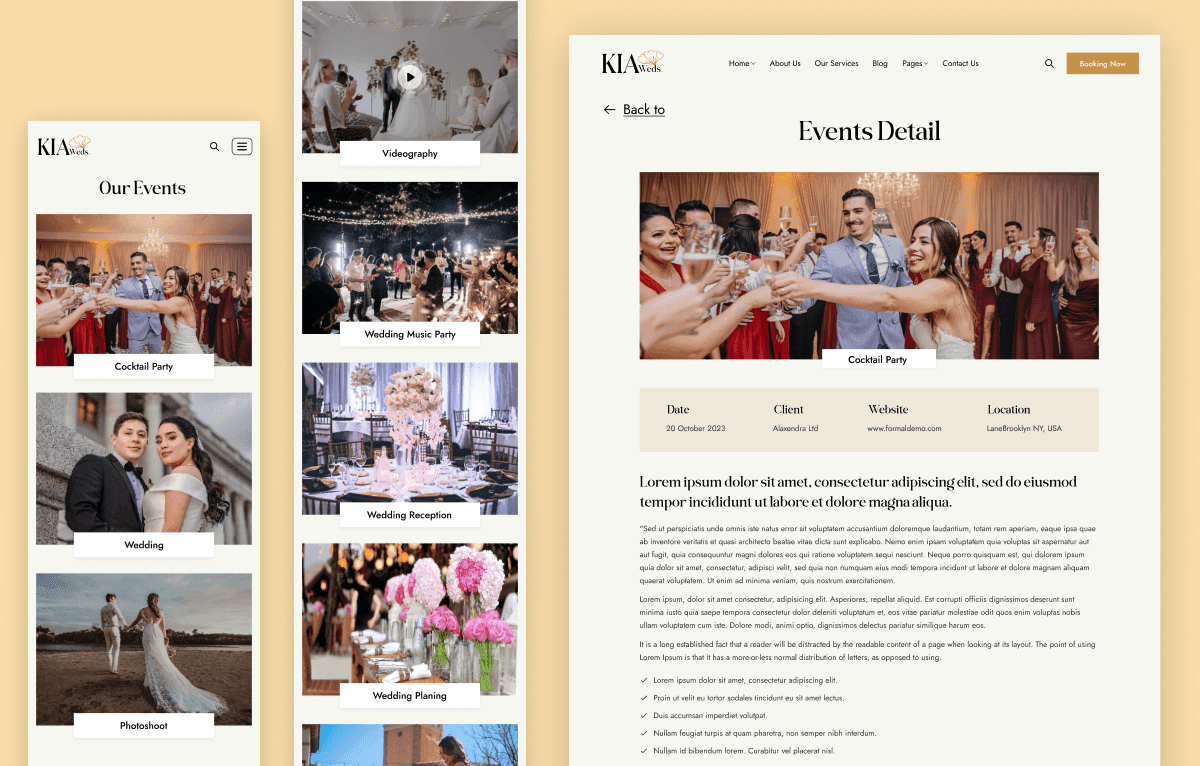
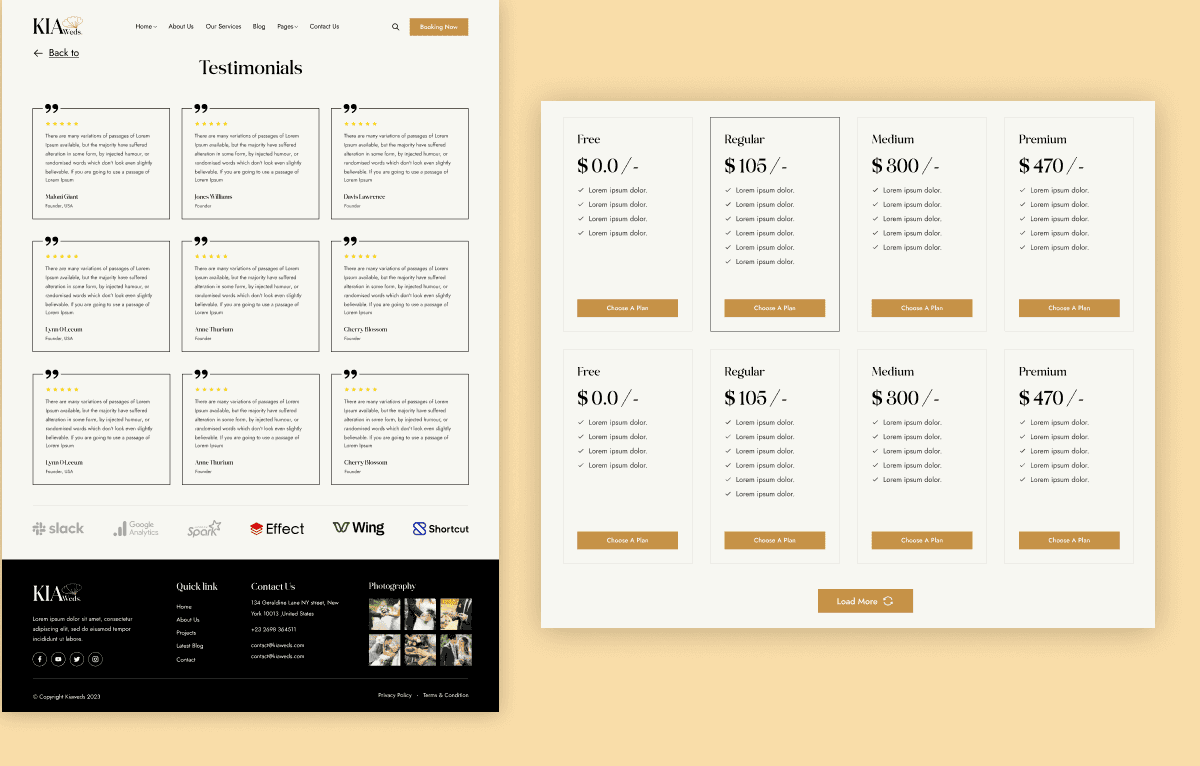
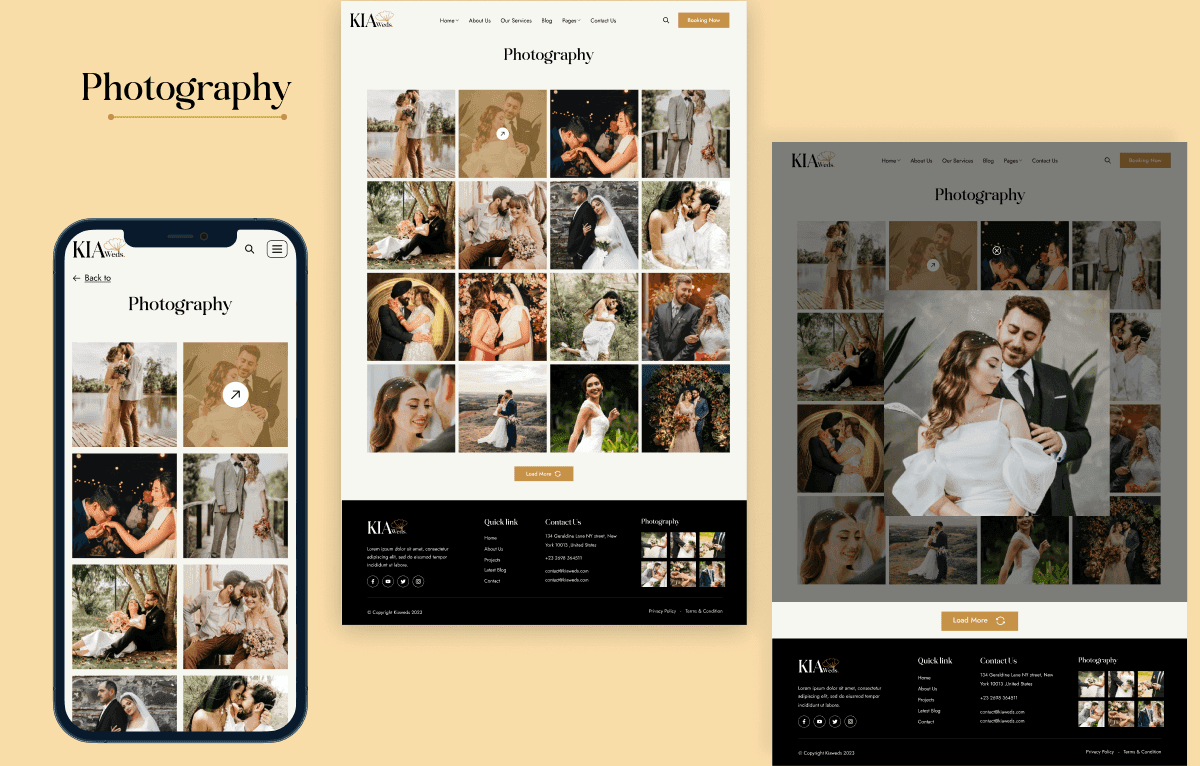
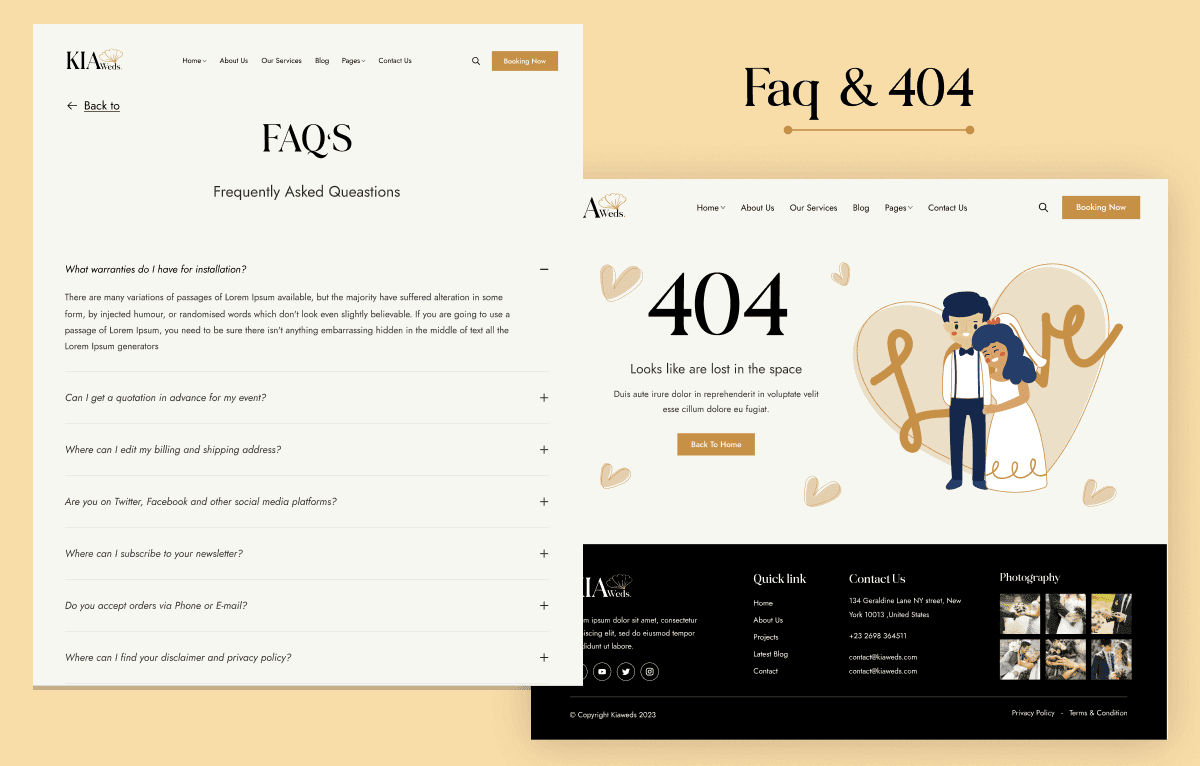
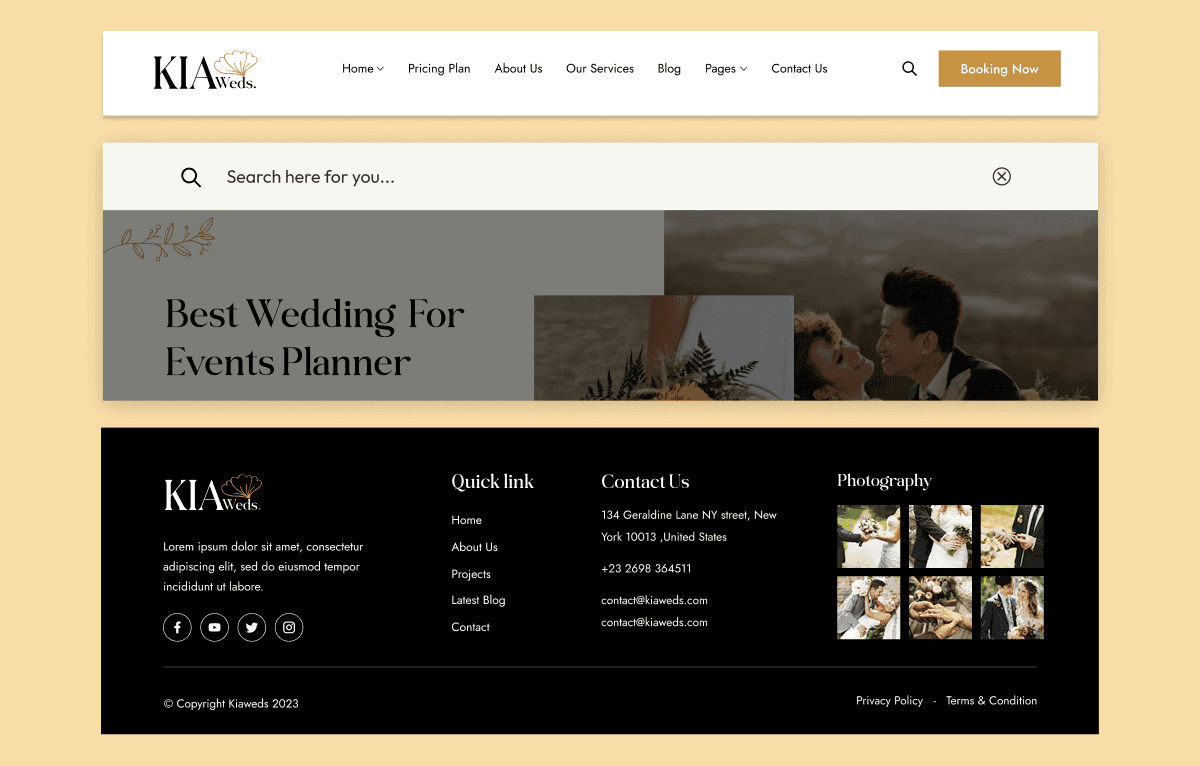
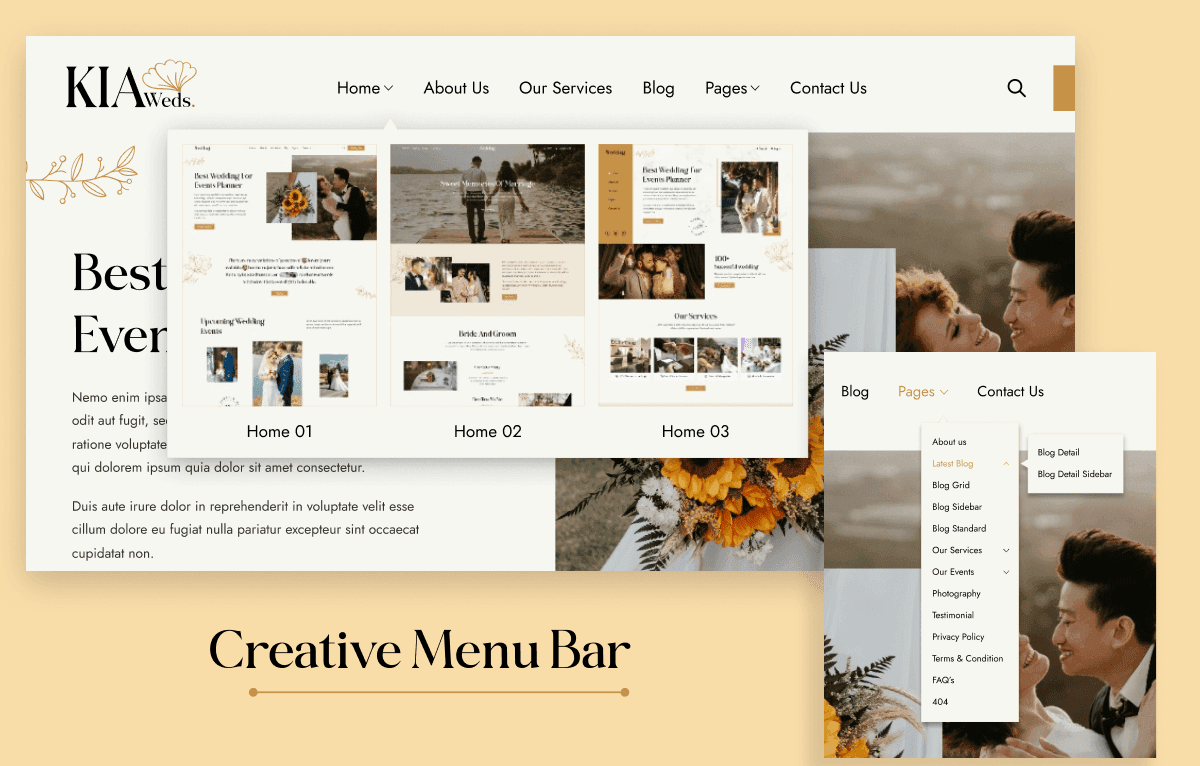
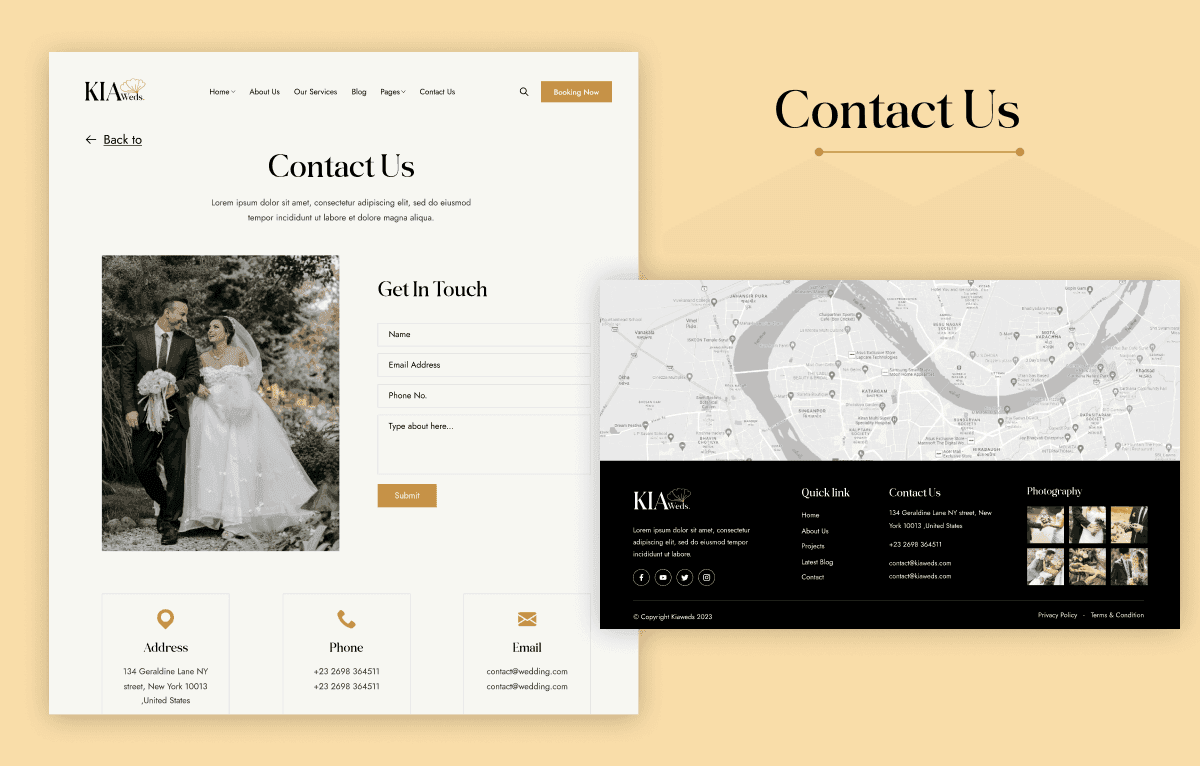
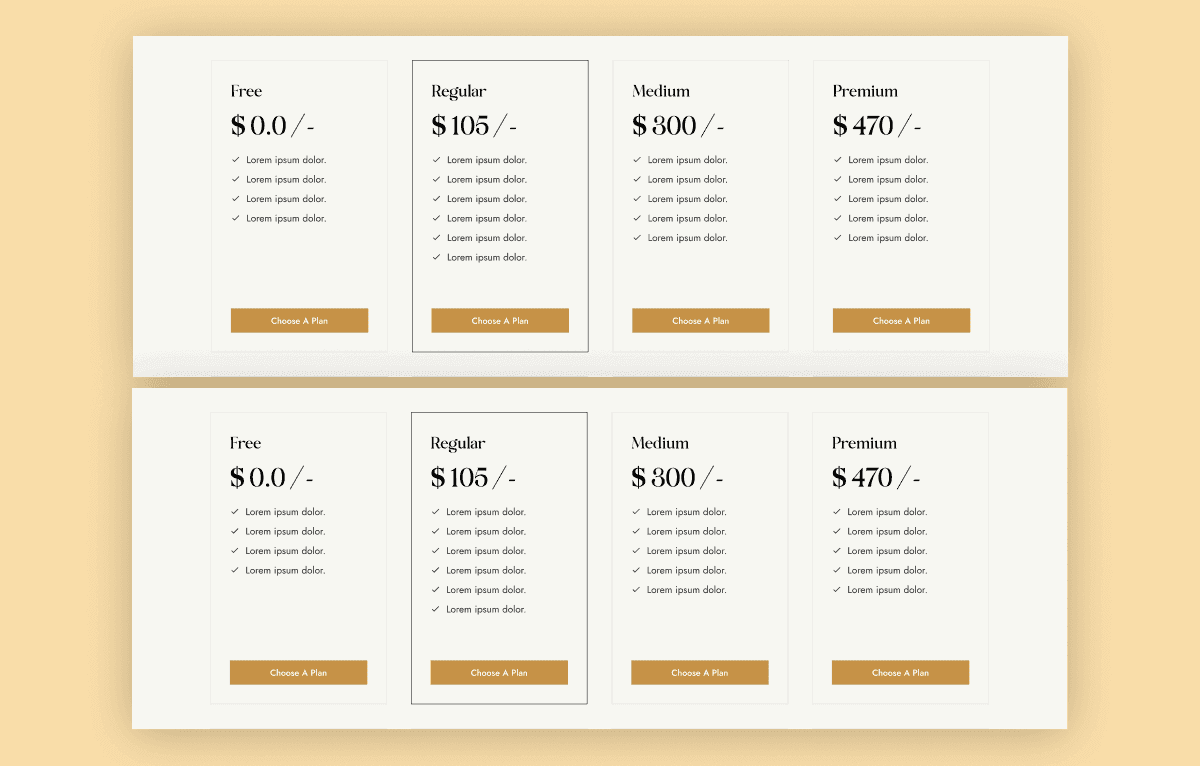
Kia Weds is a romantic and modern Wedding Planner HTML Template with 24 ready-to-use HTML pages, including 3 home variations, 6 blog pages, event layouts, team pages, photography pages, pricing, FAQ, testimonials, and RSVP-ready form layouts. It is built for wedding planners, event organizers, venues, photographers, bridal service providers, and destination wedding agencies that need a polished Bootstrap website. Personal, Commercial, and Agency licenses are available, and the template is built with HTML5, CSS3, Bootstrap 5.1.3, jQuery, Swiper Slider, and Magnific Popup.
What Is Kia Weds?
Wedding planners, venues, photographers, and event agencies need more than a simple landing page. They often need to present services, wedding events, destination packages, photography work, team members, client testimonials, pricing, blogs, and enquiry options in a consistent visual style. Creating all of these layouts from scratch can slow down a project and make brand consistency harder to maintain.
Kia Weds is a Wedding Planner HTML Template that gives wedding and event businesses a ready-made Bootstrap website foundation. With 24 HTML pages, 3 home variations, event pages, blog layouts, photography sections, and RSVP-ready form layouts, it helps developers and agencies customize, deploy, or hand off a professional wedding website faster.
Who Is This Template For?
- Wedding planners working on wedding and event HTML website projects
- Freelancers handling wedding planner, bridal, venue, or photographer client work
- Agencies building wedding planner websites for clients
- Developers needing a Bootstrap-ready HTML file for wedding websites
- Event organizers promoting wedding, engagement, reception, and destination-event services
- Wedding venues showcasing spaces, packages, galleries, and upcoming events
- Wedding photographers presenting photography portfolios and service details
- Bridal service providers, decorators, florists, and luxury event agencies
- Destination wedding agencies needing a polished website structure
- Matrimonial and wedding service businesses that need an elegant online presence
This template is not suitable for users who need a CMS, booking engine, payment workflow, database, or dynamic backend. Kia Weds is an HTML template only.
What Is Included?
Website Pages
- HTML Pages
- Home Pages
- Home One
- Home Two
- Home Three
- About Page
- About Us
- Services Pages
- Our Services
- Our Services Details
- Blog Pages
- Latest Blog
- Blog Grid
- Blog Standard
- Blog With Sidebar
- Blog Detail
- Blog Detail With Sidebar
- Event Pages
- Events
- Events Detail
- Team Pages
- Team
- Team Detail
- Other Pages
- Photography
- Pricing Plan
- FAQ
- Testimonials
- Contact
- Privacy Policy
- Terms & Condition
- 404 Error Page
Files and Assets
- HTML source files
- CSS files
- JavaScript files
- Bootstrap 5.1.3 framework files
- jQuery files
- Swiper Slider assets
- Magnific Popup assets
- Google Fonts integration
- Font Awesome icons
- Wedding photography images
- Gallery images
- Demo content
- Reusable page sections
How to Use Kia Weds
Step 1: Purchase and Download
Choose the appropriate Personal, Commercial, or Agency license and download the Kia Weds ZIP package.
Result: You receive the complete HTML template files and included assets.
Step 2: Extract the Template Files
Extract the ZIP package into your preferred project folder or local development environment.
Result: The HTML pages, CSS, JavaScript, images, and supporting assets are ready to edit.
Step 3: Open the Files in a Code Editor
Open the project in a code editor such as Visual Studio Code, Sublime Text, or another HTML editor.
Result: You can access individual pages, styling files, scripts, and reusable sections.
Step 4: Customize Branding and Layouts
Replace the demo logo, colors, fonts, text, images, services, event details, and business information with your own content.
Result: The website begins to match your wedding brand or client project.
Step 5: Update Content and Connect Forms
Add real event information, photography, team details, testimonials, blog content, and connect the RSVP or contact forms to your backend or preferred form service.
Result: The website becomes ready for real enquiries and event-related communication.
Step 6: Test and Deploy
Test the website on desktop, tablet, and mobile devices, then upload the final files to your hosting server.
Result: Your wedding planner or event management website is ready to launch.
Tags:
Template Features:
Fully Responsive Design
Bootstrap 5 Framework
Mobile-First Layout
Wedding Planner Focused Design
RSVP Ready Forms